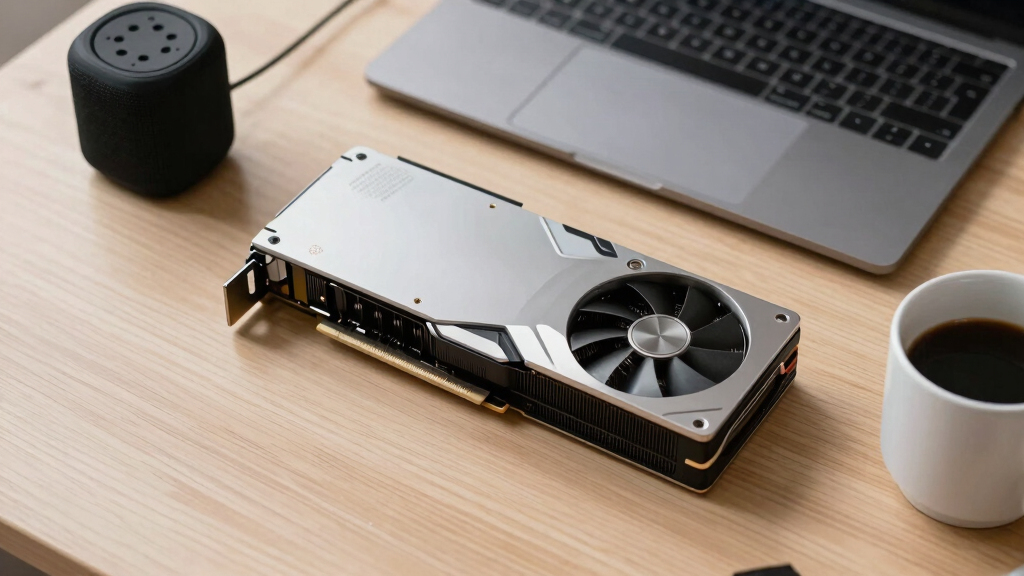

📊 Full opportunity report: Quiet GPUs for Local AI: Acoustic and Thermal Roundup on ThorstenMeyerAI.com — validation score, market gap, and execution plan.

Get smart everyday buys delivered free — and shop member deals
- Fast, free delivery on millions of items
- Access to Prime Big Deal Days deals on October 6–7
- Prime Video, Amazon Music and more included
TL;DR
This roundup evaluates the quietest GPUs for local AI in 2026, emphasizing cooling and noise levels. It highlights the RTX 5090 as the top choice, with practical tips on undervolting and cooling design. The article details the best options across VRAM tiers and explains why noise and heat management matter for AI setups.
In 2026, the RTX 5090 with 32GB of VRAM emerges as the quietest and most thermally manageable GPU for local AI inference, thanks to effective undervolting and cooling strategies, making it ideal for dedicated AI rigs.
This roundup assesses GPUs based on their acoustic and thermal performance under sustained AI inference loads, emphasizing the importance of cooling design and power management. The RTX 5090, despite its high TDP of 575W, can be made near-silent with proper undervolting and a high-quality triple-fan cooler, making it the top choice for demanding local AI applications.
Other notable options include the RTX 4090 and used RTX 3090 for cost-effective VRAM, with the latter offering significant savings but requiring careful cooling. The RTX 5080 and RTX 4060 Ti 16GB are highlighted as efficient, low-power options suitable for smaller models, producing less heat and noise. The RTX PRO 6000 Blackwell with 96GB VRAM targets professional users needing massive memory capacity with acceptable thermal and acoustic profiles.
Quiet GPUs
for local AI.
The GPU makes ~70% of your heat and most of your noise. But here’s the secret: the chip doesn’t decide how loud your card is — the cooler design and your power settings do. Match your VRAM tier in Part 2, then make it quiet.
Capping to 70–80% sheds a huge amount of heat for almost no inference loss — because inference is memory-bound. A capped 5090 is dramatically cooler & quieter than stock. Do this first.
Within one GPU model, partner cards differ enormously. For a single card, a large triple-fan open-air with zero-RPM idle runs slow & quiet. For multi-GPU, the calculus flips →
With room to breathe, a large triple-fan open-air cooler spreads heat across a big fin stack and runs its fans slowly. The quietest choice — what most people should buy.
Why Cooling and Noise Control Are Critical for AI GPUs
Managing heat and noise in local AI setups is essential for maintaining hardware longevity, reducing energy costs, and ensuring a more efficient cooling and a comfortable working environment. GPUs that run quietly and stay cool enable longer, more stable inference sessions, especially in dedicated workspaces where noise can be disruptive. Proper cooling and undervolting strategies can transform high-performance cards into near-silent, efficient components, making advanced AI more accessible for individual users and small teams.
As an affiliate, we earn on qualifying purchases.
2026 GPU Developments and Focus on Acoustics
The 2026 GPU landscape emphasizes VRAM capacity and thermal efficiency, with manufacturers prioritizing quieter operation alongside raw performance. The RTX 5090, with its 32GB VRAM and high bandwidth, represents the peak of consumer-grade hardware for local AI, but its high TDP necessitates advanced cooling and power management. Earlier models like the RTX 4090 and used RTX 3090 remain popular for their balance of cost, capacity, and thermal profile. The focus on undervolting and cooler design reflects industry trends toward quieter, more sustainable AI hardware.
"Power-capping and choosing the right cooler are more impactful on noise levels than the GPU silicon itself. A well-cooled RTX 5090 can be near-silent, even under heavy inference loads."
— Thorsten Meyer, AI hardware expert
As an affiliate, we earn on qualifying purchases.
Remaining Questions on Long-Term Thermal and Acoustic Performance
It is still unclear how these GPUs will perform over extended periods of continuous inference, especially under varying ambient conditions. The real-world effectiveness of undervolting and cooling modifications in long-term use remains to be fully validated through user reports and further testing.
As an affiliate, we earn on qualifying purchases.
Upcoming Developments in Quiet GPU Design and Cooling Solutions
Expect manufacturers to release new models with optimized cooling and power management features aimed at further reducing noise and heat. Software updates and user modifications like undervolting will likely become more standardized, enabling users to tailor their setups for maximum quietness and efficiency. Monitoring real-world user feedback and long-term performance data will be critical in assessing these strategies’ effectiveness.
As an affiliate, we earn on qualifying purchases.
Key Questions
How effective is undervolting in reducing GPU noise?
Undervolting can significantly lower heat output and fan speeds, making GPUs quieter without substantial performance loss, especially in inference workloads.
Is the RTX 5090 suitable for continuous AI inference in a quiet environment?
Yes, if paired with a good cooling solution and power capping, the RTX 5090 can operate quietly under sustained load, despite its high TDP.
What should I look for in a cooling system for a quiet GPU build?
Prioritize large triple-fan open-air designs with high-quality heatsinks and features like zero-RPM idle modes, which help keep noise levels low during operation.
Are used GPUs like the RTX 3090 still viable for quiet AI setups?
Yes, but they may require more careful cooling and power management to maintain low noise and thermal levels, given their age and higher power draw.
Source: ThorstenMeyerAI.com
Halloween Picks
halloween
As an affiliate, we earn on qualifying purchases.