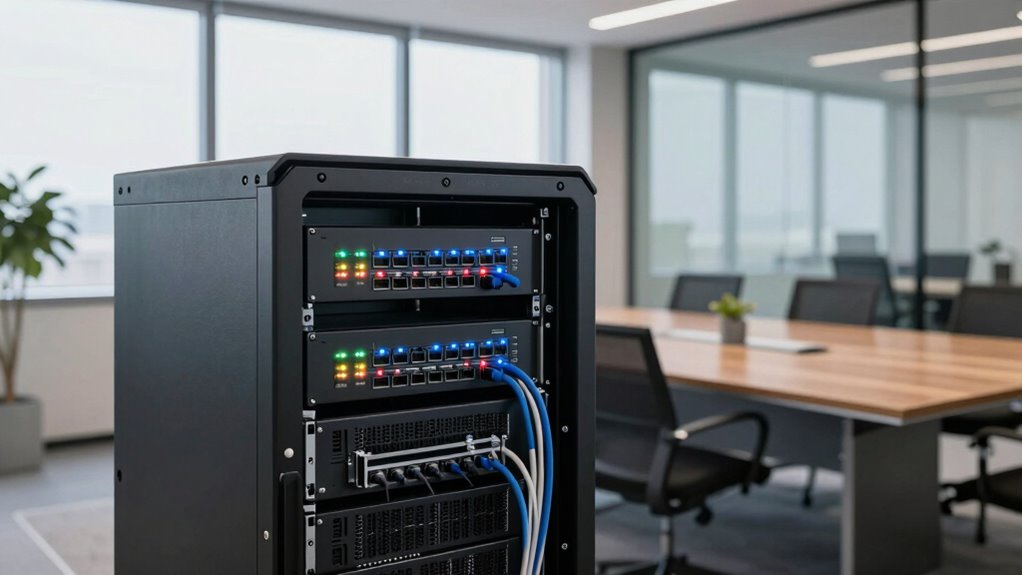

Choosing a managed switch helps you scale your office efficiently by providing better traffic control, security, and energy management. It allows you to segment networks, prioritize critical applications, and monitor performance easily. With features like VLANs and QoS, you can guarantee secure, smooth operations as your network grows. Investing in scalable, energy-efficient switches sets a strong foundation for future expansion. Keep exploring to discover how these tools can make your office network more effective and flexible.
Key Takeaways
- Managed switches enable network segmentation and traffic prioritization, supporting scalable growth without congestion.
- They offer detailed monitoring and reporting, facilitating proactive planning and troubleshooting as office networks expand.
- VLANs and access controls isolate sensitive data, simplifying security management during scaling.
- Power over Ethernet (PoE) and energy management features streamline device deployment and sustainability efforts.
- Their scalability features ensure seamless expansion with future-proof architecture and support for increasing network demands.
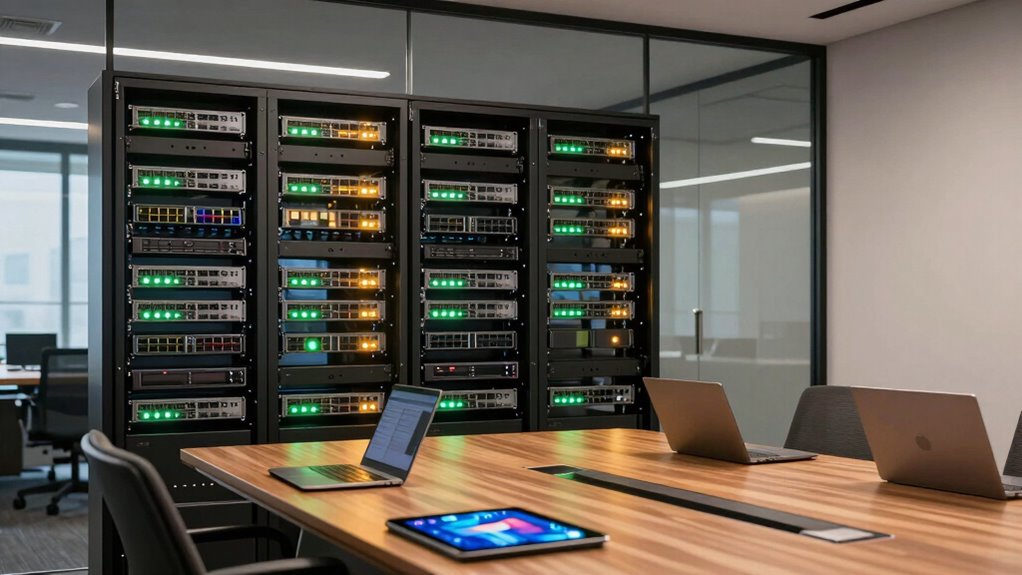
As your office grows, so does the complexity of managing its network infrastructure. A managed switch becomes an essential tool in keeping things organized and efficient. With a managed switch, you gain better control over your network, allowing you to segment traffic, prioritize critical applications, and easily troubleshoot issues. This level of control helps guarantee your network remains reliable and scalable as your team expands. One of the key benefits of a managed switch is its ability to enhance network security. You can set up VLANs to isolate sensitive data, implement access controls, and monitor traffic for suspicious activity. This proactive approach helps prevent unauthorized access and minimizes the risk of cyber threats, keeping your business data safe as your network grows more complex. Additionally, network segmentation can help improve overall performance by reducing congestion and isolating issues more effectively. Power management is another critical feature offered by managed switches. As your office adds more devices—computers, printers, VoIP phones, and IoT gadgets—the power demands increase. Managed switches often include Power over Ethernet (PoE) capabilities, which allow you to power devices directly through the network cables. This simplifies cabling, reduces clutter, and ensures your devices receive consistent power, even during outages if connected to an uninterruptible power supply (UPS). Smart power management also helps reduce energy consumption by turning off ports or limiting power to devices not in use. This not only cuts costs but also supports your office’s sustainability goals. Using managed switches, you can prioritize network traffic to ensure critical applications get the bandwidth they need. For example, VoIP calls and video conferencing can be given higher priority over less urgent web browsing or file downloads. This quality of service (QoS) feature guarantees smooth communication, no matter how busy your network becomes. Additionally, managed switches provide detailed monitoring and reporting tools that give you visibility into network performance. You can identify bottlenecks, detect potential issues early, and plan for future expansion without disrupting your existing setup. Proper planning and network architecture are essential to maximize the benefits of a managed switch and ensure seamless growth. An understanding of network management best practices can further optimize your setup and reduce troubleshooting time. In essence, choosing the right managed switch for your office means investing in a scalable, secure, and energy-efficient network. It gives you the control to adapt to your growing needs while maintaining high performance and security standards. As your office expands, having a reliable network infrastructure that’s easy to manage makes all the difference. You’ll be able to scale more cleanly, avoid downtime, and keep your team connected and productive. With the right managed switch, you set a solid foundation for sustainable growth, ensuring your network evolves seamlessly alongside your business.

TP-Link 8 Port Gigabit Switch | Easy Smart Managed | Plug & Play | Desktop/Wall-Mount | Sturdy Metal w/ Shielded Ports | Support QoS, Vlan, IGMP and LAG (TL-SG108E)
- Number of Ports: 8 Gigabit Ethernet ports
- Management: Easy web-based management
- VLAN Support: Supports up to 32 VLANs
As an affiliate, we earn on qualifying purchases.
As an affiliate, we earn on qualifying purchases.
Frequently Asked Questions
How Do Managed Switches Differ From Unmanaged Switches?
Managed switches differ from unmanaged switches because they give you control over your network. You can set up network segmentation and create VLAN configurations to improve security and performance. Managed switches allow you to monitor traffic, prioritize data, and troubleshoot issues more efficiently. This flexibility helps your office scale cleanly by optimizing network resources and reducing congestion, ensuring a smoother, more secure operation as your business grows.
What Security Features Do Managed Switches Offer?
Managed switches offer robust security features that keep your network safe. You can implement VLAN segmentation, isolating sensitive data and reducing potential threats. Port security adds another layer, limiting device access and preventing unauthorized connections. These features work together to create a secure environment, but the real power lies in how you configure them—unlocking a new level of control that keeps your office’s data protected and your network resilient against threats.
Can Managed Switches Integrate With Existing Network Infrastructure?
Yes, managed switches can seamlessly integrate with your existing network infrastructure. They support network segmentation, which improves security and efficiency by isolating traffic. Additionally, many managed switches offer Power over Ethernet (PoE), allowing you to power devices like cameras and VoIP phones directly through the network. This integration simplifies setup, enhances control, and helps your office scale more cleanly without disrupting current systems.
What Is the Typical Cost Difference Between Managed and Unmanaged Switches?
You’ll find managed switches cost around two to five times more than unmanaged ones. Ironically, that extra expense can save you hours during network segmentation and troubleshooting, thanks to advanced protocols and remote management features. While unmanaged switches seem cheaper upfront, they often lead to higher costs and frustration later. Investing in a managed switch can streamline your network, making future scaling smoother and more cost-effective despite the initial price tag.
How Scalable Are Managed Switches for Future Office Growth?
Managed switches are highly scalable for future office growth because they support network redundancy and power management features. You can easily add more devices without sacrificing performance or security, ensuring your network remains reliable as your business expands. Their ability to prioritize traffic and manage power efficiently means you can grow your office infrastructure smoothly, avoiding costly upgrades later. This flexibility makes managed switches a smart choice for scaling offices effectively.

NETGEAR 8 Port PoE Gigabit Ethernet Easy Smart Managed Switch (GS308EP)
- Gigabit Ethernet Ports: 8 x 1Gbps ports for high-speed connectivity
- PoE+ Support: 8 PoE+ ports with 62W total power
- Managed Network Features: Configure VLANs, QoS, and security
As an affiliate, we earn on qualifying purchases.
As an affiliate, we earn on qualifying purchases.
Conclusion
Choosing a managed switch might seem like a big step, but it’s a smart investment for your office’s growth. With better control, security, and flexibility, you’ll streamline your network and avoid costly upgrades later. Some worry it’s complex, but modern managed switches are user-friendly and scalable, making setup simple. Embrace this upgrade now, and you’ll enjoy smoother operations and room to expand without the headache—your future-ready office starts with the right switch today.
NETGEAR 8 Port PoE Gigabit Ethernet Easy Smart Managed Switch (GS308EP)
- Gigabit Ethernet Ports: 8 x 1Gbps ports for high-speed connectivity
- PoE+ Support: 8 PoE+ ports with 62W total power
- Managed Network Features: Configure VLANs, QoS, and security
As an affiliate, we earn on qualifying purchases.
As an affiliate, we earn on qualifying purchases.

NETGEAR 5-Port Gigabit Ethernet Unmanaged Network Switch (GS305)
- High-Speed Ethernet Ports: 5 x 1Gbps ports for fast connectivity
- Auto-Negotiating Ports: Detects optimal speed for connected devices
- Easy Plug-and-Play Setup: No software or configuration needed
As an affiliate, we earn on qualifying purchases.
As an affiliate, we earn on qualifying purchases.